Minimal. Fast.
Wayland Native.
A finely tuned Arch Linux desktop environment built entirely for efficiency. Dynamic theming, GPU-accelerated terminals, and zero bloat.
Overview
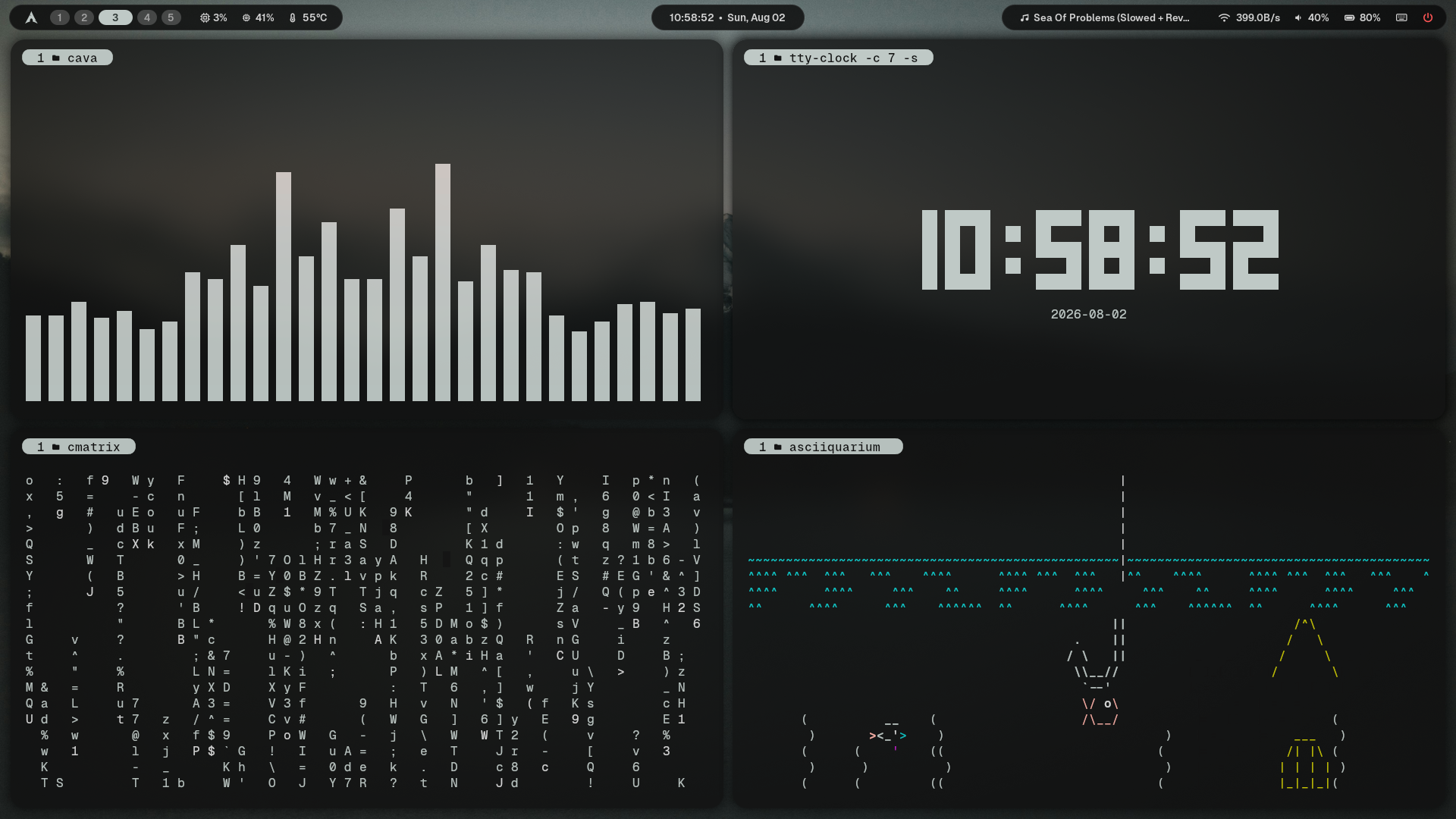
A minimal, keyboard-centric environment built for daily use. Configurations are synchronized across components for a unified experience.
Dynamic Theming
Colors are automatically generated from your active wallpaper using Matugen. The entire system adapts instantly.
Terminal Environment
Customized Zsh configuration featuring fzf-based fuzzy finding, zoxide directory navigation, and syntax highlighting.
Scrolling Layout System
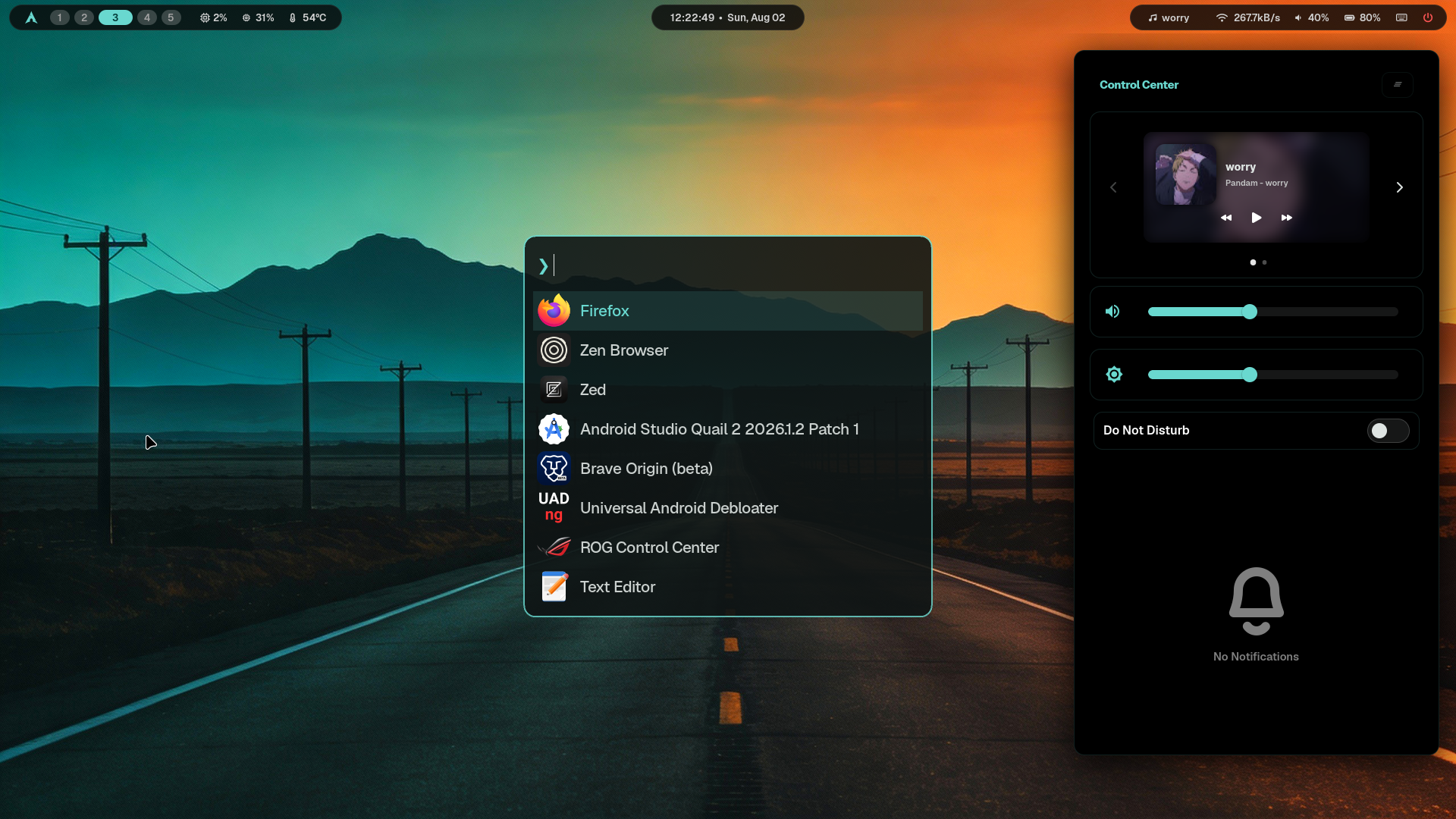
Seamlessly toggle between standard tiling and an infinite paper-scroll window layout directly from the Fuzzel control center.
Window Management
Keyboard-focused workflow using carefully optimized Hyprland bindings for extreme efficiency and workspace management.
UI Suite
A unified Wayland suite featuring Waybar, SwayNC, and Fuzzel. Everything strictly follows the system color scheme.
Hardware Constraints & Fixes
Because this setup is optimized for my specific workflow, there are a few hardware-specific lines of code that you will need to change for your own machine. Here is how to fix them:
1. Dual-Boot Hard Drive Paths
My file search scripts scan specific Windows partition mounts. If you don't have these, they will fail to find anything.
Fix: Open project_launcher.sh and file_search.sh and change the directory arrays to point to your actual folders.
2. Waybar Hardware Sensors
My Waybar configuration expects a direct PCI hardware path for CPU temperatures and an Asus ROG app for the battery.
Fix: Open config.jsonc. Under the temperature module, delete the `hwmon-path-abs` line. Under battery, change `BAT1` to `BAT0`.
3. Monitor Configuration
My configuration explicitly hardcodes my laptop screen (`eDP-1`) to run at 144Hz.
Fix: Open monitors.lua and change `eDP-1` to your monitor's name, or use `,preferred,auto,auto` to make it universal.
Installation
Run the automated setup script on a fresh Arch Linux installation. It will safely symlink all configurations to your ~/.config/ folder.
git clone https://github.com/insaneodyssey26/hyprland.git ~/hyprland
cd ~/hyprland
./setup.sh